 Holiday Routes
Planning a fly & drive holiday: flight, rental car and road trip in one plan
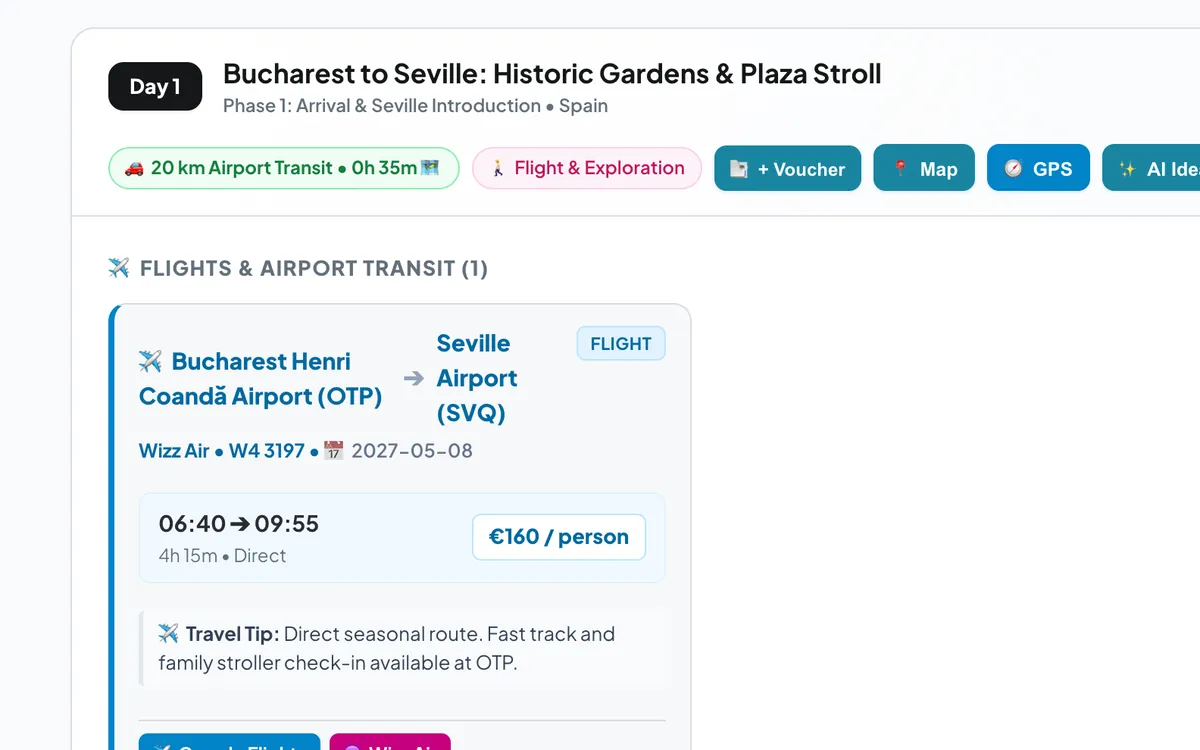
Flying to your destination and picking up a car is one of the best ways to see a region — Andalusia, Tuscany, Scotland, California. It is also the kind of holiday that usually ends up scattered across an airline email, a rental booking and a dozen browser tabs.
Make day one realistic
The first day of a fly & drive trip is the one most often over-planned. Between landing, passport control, baggage and the rental desk, it can easily take a couple of hours before you are on the road — and you will be driving an unfamiliar car on unfamiliar roads.
- Keep the first drive short. An hour or two to the first night's stay is plenty.
- Leave room for the rental desk. Queues are common at popular airports in summer.
- Check the rental conditions before you fly: driver age, cross-border rules and what is included.
One timeline from the plane to the open road
In Holiday Routes, choose Flight + Car when you create a trip and the flight becomes part of the plan. Day one shows the flight card with its times, then the drive from the arrival airport, then the rest of the day — sights, dinner and your hotel.
Find flights while you plan
The trip creator can suggest flight options between your airports for your dates. You book the flight with the airline or your travel agent as usual; the plan keeps the details in one place.
Electric rental car?
More and more rental fleets include electric cars. Choose the model you will be driving, and Holiday Routes plans the road part with charging stops and battery levels, exactly as for an EV road trip from home.
Keep the paperwork with the trip
Add your flight tickets, rental confirmation and hotel bookings to the trip's bookings vault, linked to the right day. At the rental desk, the reference code is one tap away.
Frequently asked questions
Can I plan a flight-only city break too?
Yes. Choose Flight only and the plan focuses on sights, food and hotels for each day, getting around by public transport and on foot.
Can I add a second flight in the middle of the trip?
Every day is editable, so you can add another flight — or any other stop — wherever the trip needs it.
Plan your next trip with Holiday Routes
Free to start. Build a complete day-by-day plan, then change anything.
Plan your trip free →Keep reading
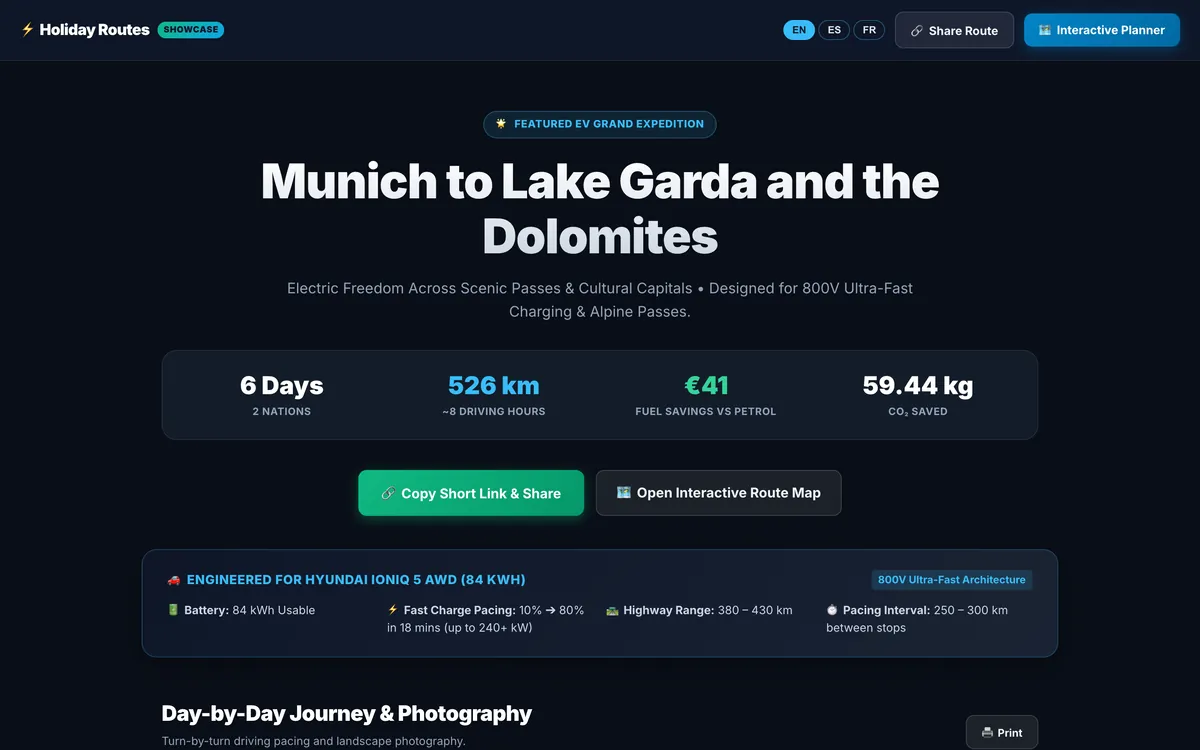
Share your trip as a travel story, with one short link
Turn your itinerary into a travel page with photos, food and stays for every day: one short link that opens on any phone, in English, Spanish or French.
Read the article →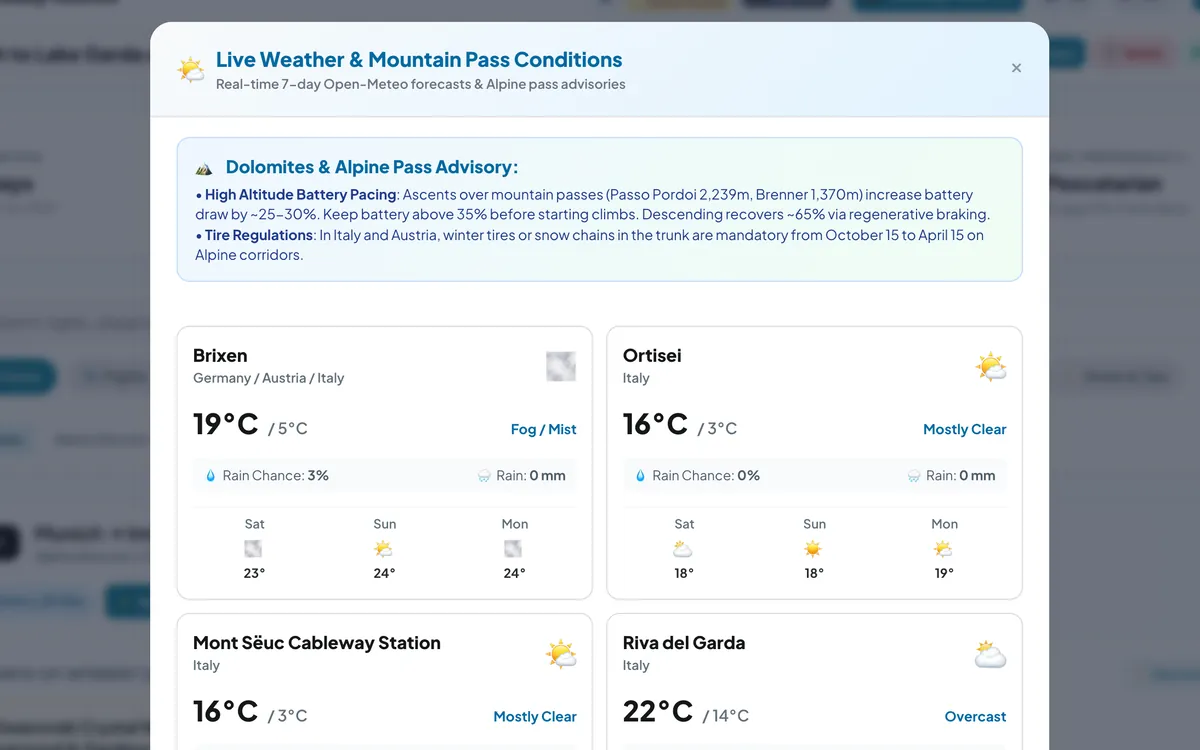
Check the sky before the pass: weather for every stop of your road trip
Live 7-day forecasts for every stop of your road trip, rain chances and temperatures, plus mountain-pass advice for the days that climb.
Read the article →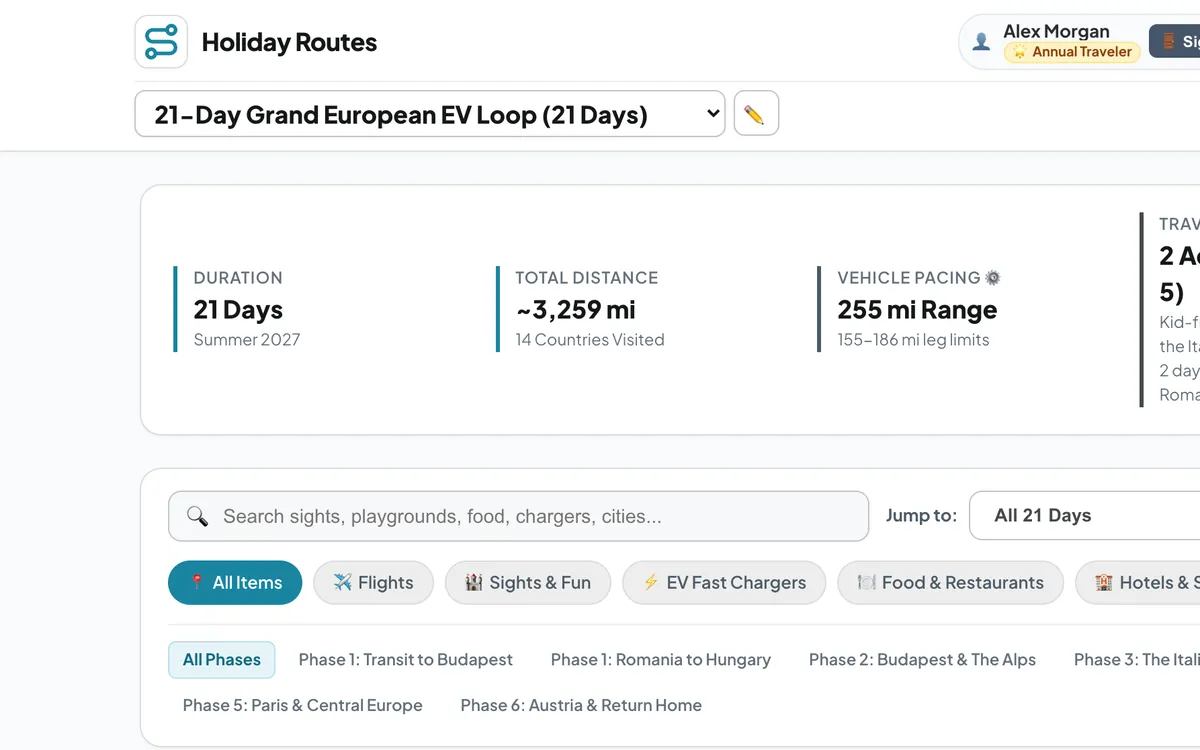
Kilometres or miles: a road trip planner for travellers everywhere
Plan road trips on any continent and switch every distance, climb and speed between metric and imperial units — km or miles, metres or feet, km/h or mph.
Read the article →