 Holiday Routes
Renting a car for your fly & drive trip: when to book, what to check, and one tap from your plan
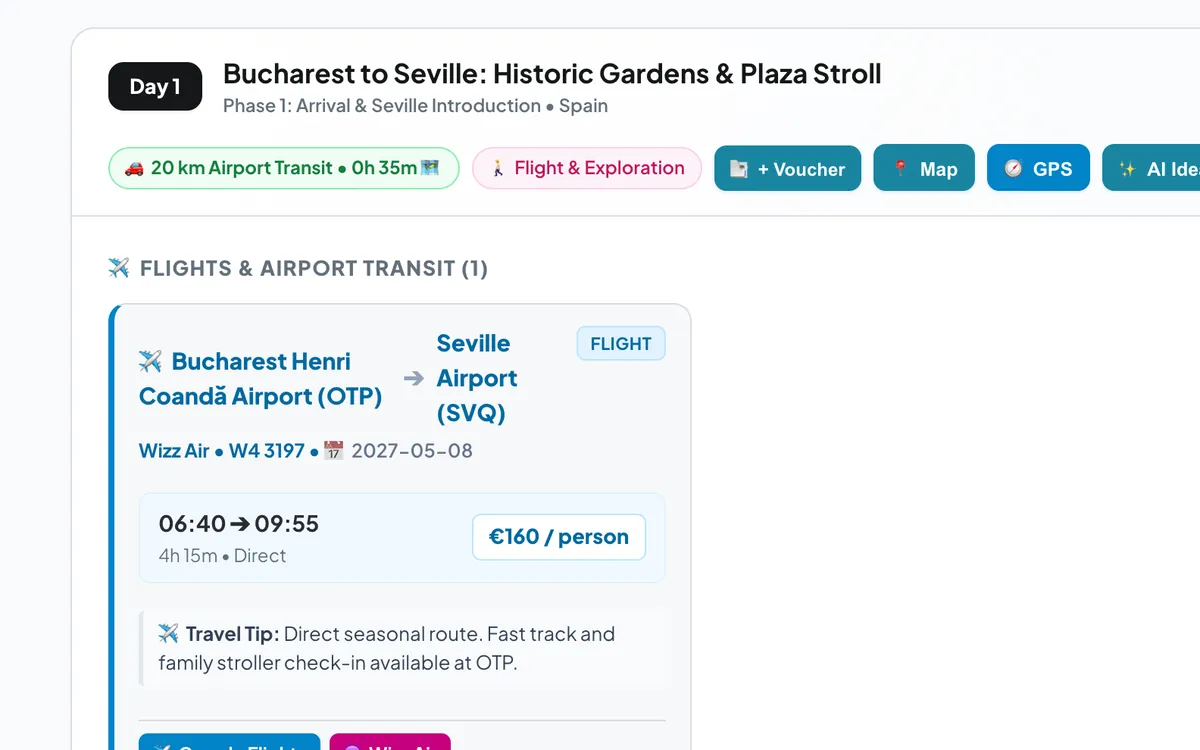
A fly & drive holiday has two bookings that must fit together: the flight and the car waiting at the other end. Get the car wrong and the first hour of your holiday is spent at a rental desk. Here is how to book it calmly, and how Holiday Routes now puts the rental search right next to your flight.
Book the car when the flight is booked
The best moment to book the rental car is right after the flight. The dates and the airport are fixed, and prices and choice for popular airports (and for automatic cars) tend to get worse closer to the date, especially in summer and school holidays.
- Pick-up time: set it about an hour after landing, so a short delay or a slow baggage belt doesn't make you miss the desk.
- Return time: leave enough margin before your flight home for fuel, the return check and the walk or shuttle to the terminal.
- One-way: landing in one city and flying home from another saves driving back, but usually costs a one-way fee. Compare it with the time you save.
What to check before you pay
- Deposit and card: most companies block a deposit on a credit card in the main driver's name. Debit cards are often not accepted for the deposit.
- Excess and cover: look at how much you would pay after damage, and decide on extra cover before you arrive, not in the queue.
- Fuel policy: "full to full" is the simplest and usually the fairest.
- Driver age and licence: young-driver fees, and whether your licence needs an International Driving Permit.
- Cross-border rules: if the route crosses a border, check that the car is allowed to go there.
- Pick-up location: "at the airport" can mean a desk in the terminal or a shuttle ride to a car park. The conditions say which.
Walk around the car and take photos of every scratch before you drive off, and again when you return it. It takes two minutes and settles most disputes.
Your rental search, one tap from the flight
In Holiday Routes, a Flight + Car trip starts with the flight card on day one, followed by the drive from the arrival airport. That flight card now has a Rent a car button. For many airports (Seville, Málaga, Lisbon, Rome, Nice, Munich and others) it opens the rental page for that airport directly, so you can compare companies, prices and conditions for the same place you land. For other airports it opens the general rental search.
The button appears only on the arrival flight, not on the flight home, and only on fly & drive trips. It is clearly marked as an affiliate link: if you book through it, we may earn a commission at no extra cost to you. Holiday Routes doesn't sell rentals, and your contract is with the rental company.
Keep the booking with the trip
Once you have booked, add the rental confirmation to the trip's bookings vault, linked to day one. At the desk, the reference code is one tap away, next to your flight and hotel. If you rent an electric car, choose the model in the trip and the plan adds the charging stops for the road part.
Frequently asked questions
Where does the Rent a car button appear?
On the arrival flight card of trips created as Flight + Car. It doesn't appear on car, campervan or flight-only trips, or on the flight home.
Does it cost more to book through the button?
No. You pay the rental company's price. If you book, we may receive a commission from the partner, which helps keep Holiday Routes running.
What if my airport isn't recognised?
The button then opens the general rental search, where you can enter your airport yourself.
Plan your next trip with Holiday Routes
Free to start. Build a complete day-by-day plan, then change anything.
Plan your trip free →Keep reading
Renting a car in Andalusia: airports, old towns, tolls and tips for a smooth road trip
Practical tips for renting a car in Andalusia: which airport to pick up from, what to check at the desk, driving into old towns, tolls, heat and a first route.
Read the article →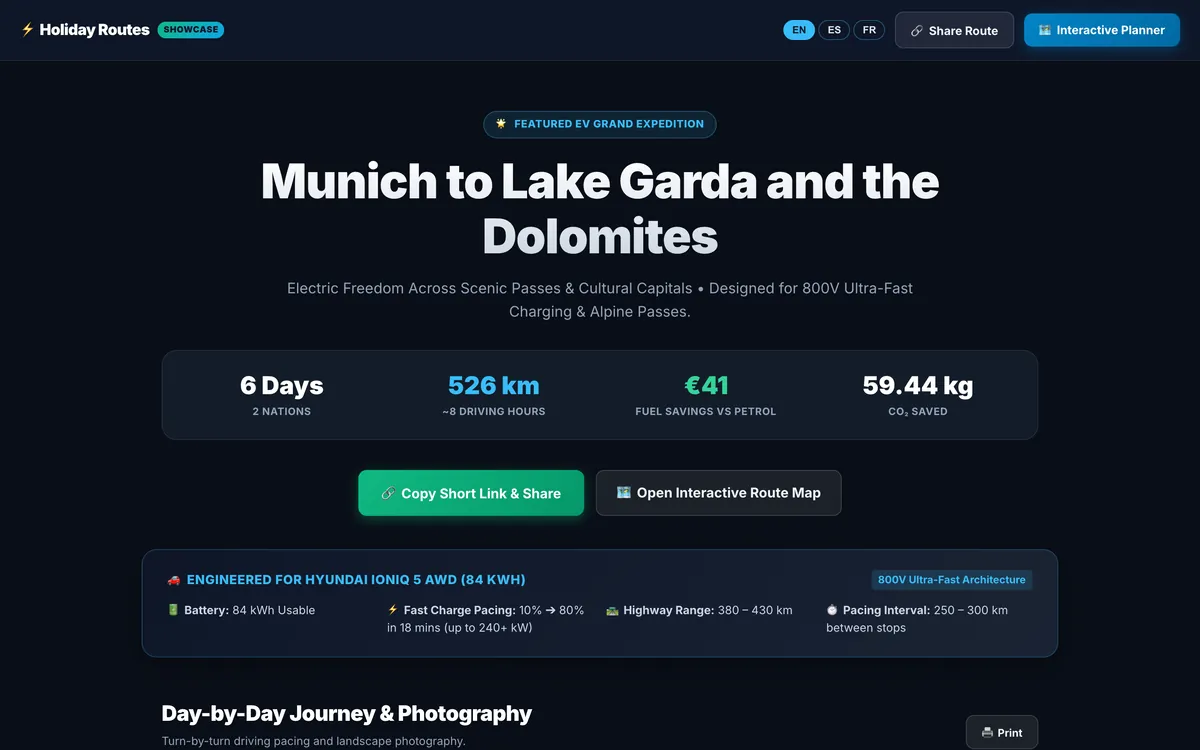
Share your trip as a travel story, with one short link
Turn your itinerary into a travel page with photos, food and stays for every day: one short link that opens on any phone, in English, Spanish or French.
Read the article →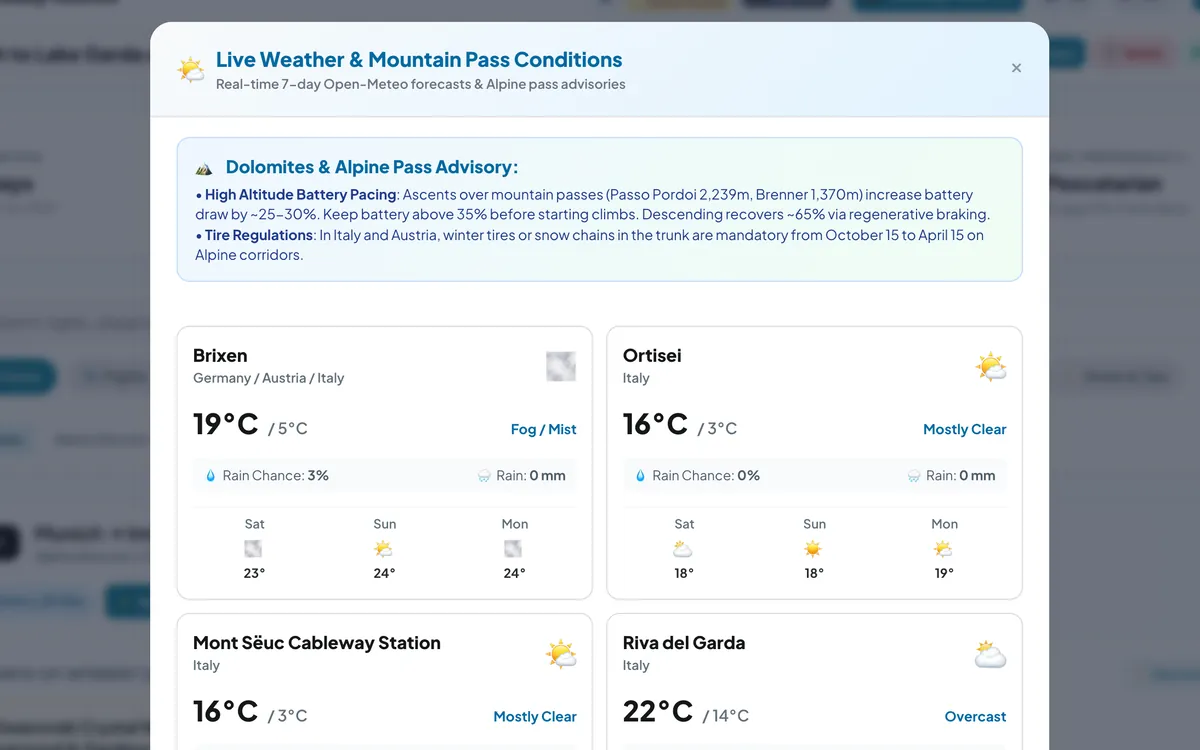
Check the sky before the pass: weather for every stop of your road trip
Live 7-day forecasts for every stop of your road trip, rain chances and temperatures, plus mountain-pass advice for the days that climb.
Read the article →