 Holiday Routes
Every booking in one place: hotels, tickets, vignettes and passes
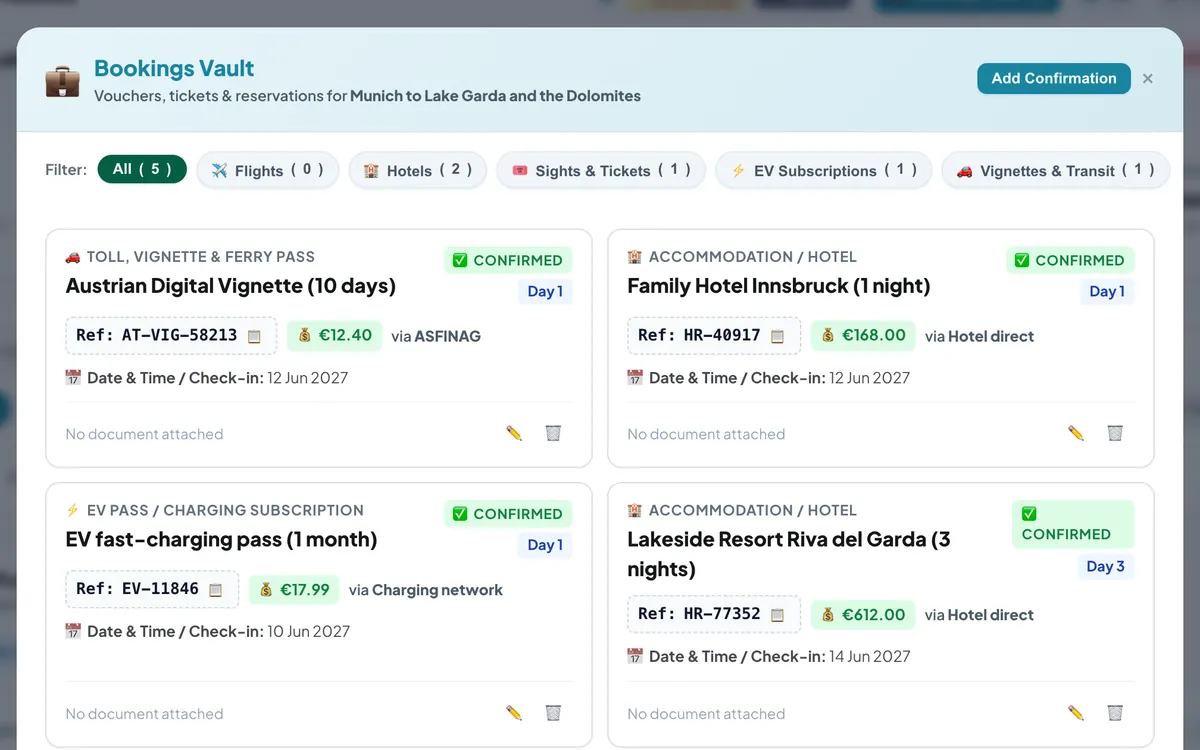
A two-week road trip easily collects a dozen confirmations: hotels, ferry tickets, museum passes, a motorway vignette, a charging subscription. They arrive in different emails, apps and PDFs — and you always need one of them at the exact moment the phone signal drops.
One vault per trip
The bookings vault keeps every confirmation with the trip it belongs to. Each booking has:
- a category — flight, accommodation, sight or museum ticket, EV pass or charging subscription, toll / vignette / ferry, or anything else;
- the reference code, the provider and the price;
- the day of the trip it belongs to, and its status — confirmed, pending or cancelled;
- an optional attachment: the PDF ticket, the hotel voucher or a screenshot.
Find it at the counter
Filter by category, or open the vault from the day you are on: the bookings for that day are right there. The reference code sits in a box you can copy in one tap.
What is worth adding
- Hotel and campsite confirmations, with check-in times in the notes.
- Motorway vignettes and toll passes — in several European countries a digital vignette is linked to your number plate, so the confirmation is your proof.
- Timed tickets for museums, theme parks and popular sights.
- Ferry and train tickets, and the rental car agreement.
- Charging subscriptions and their customer numbers.
Who can see your bookings
Your vault belongs to your trip. The travel page you share with a short link never includes booking codes or attachments. The read-only planner link is different: whoever has it can also see the trip's bookings — handy for travel companions, or for an agency's client who needs their vouchers — so only send that link to people you would trust with your tickets.
Frequently asked questions
Which files can I attach?
PDFs and images (PNG, JPG or WebP) — tickets, vouchers and screenshots.
Do bookings appear in the printable booklet?
The booklet includes your hotels and booking codes for each day, so the paper copy has them too.
Plan your next trip with Holiday Routes
Free to start. Build a complete day-by-day plan, then change anything.
Plan your trip free →Keep reading
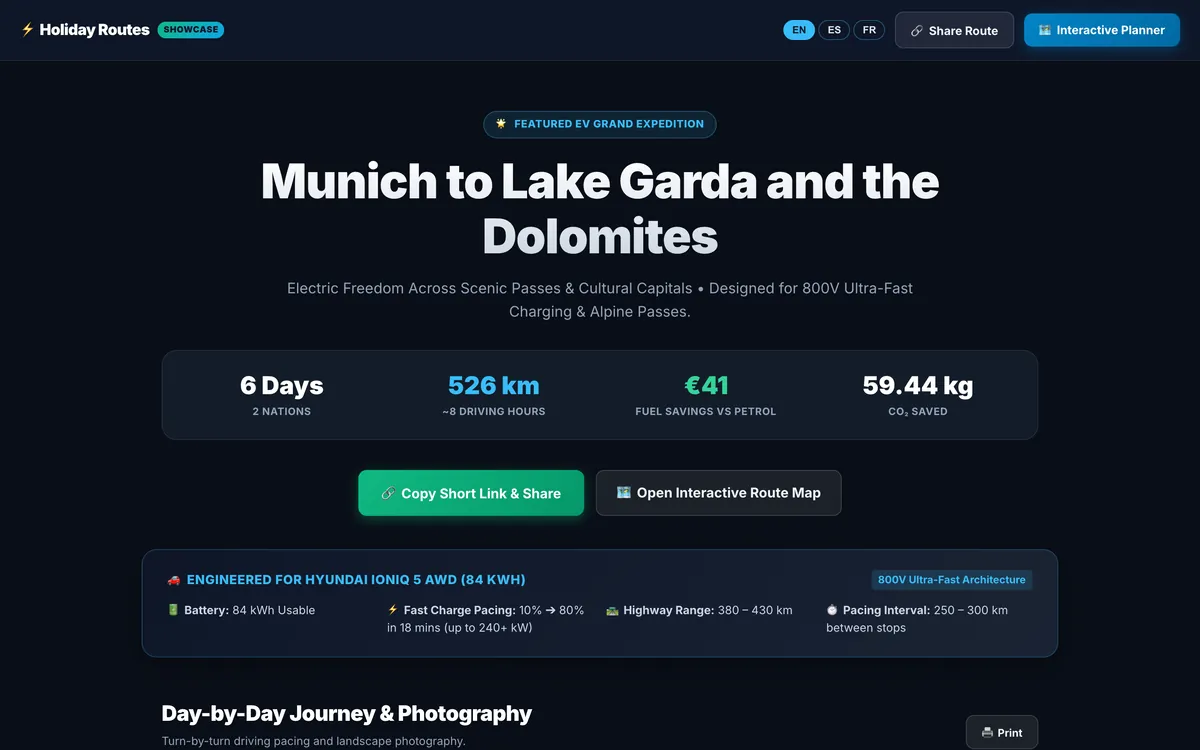
Share your trip as a travel story, with one short link
Turn your itinerary into a travel page with photos, food and stays for every day: one short link that opens on any phone, in English, Spanish or French.
Read the article →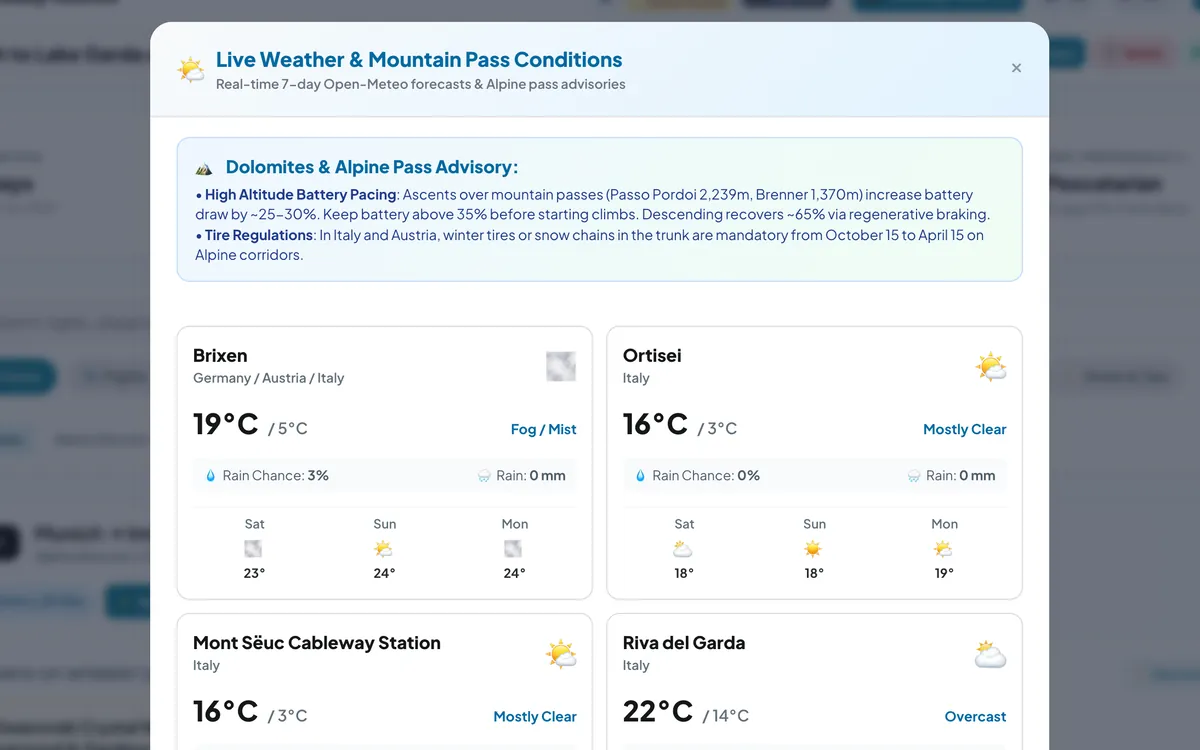
Check the sky before the pass: weather for every stop of your road trip
Live 7-day forecasts for every stop of your road trip, rain chances and temperatures, plus mountain-pass advice for the days that climb.
Read the article →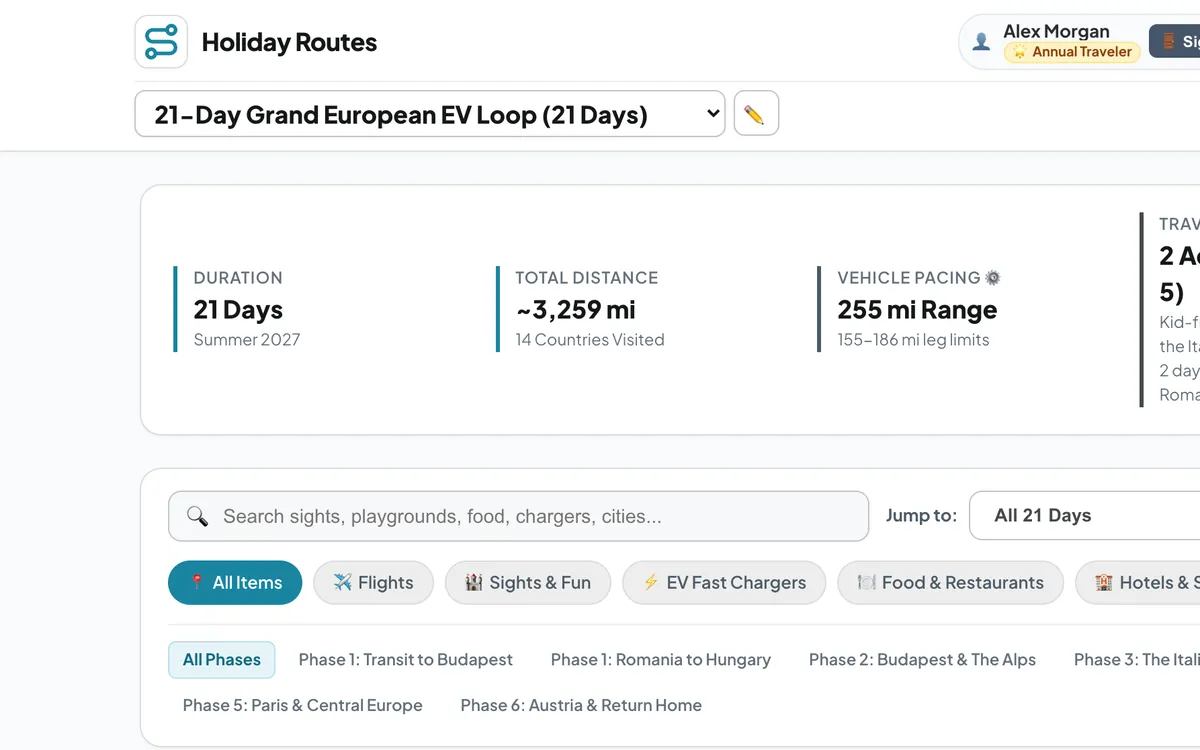
Kilometres or miles: a road trip planner for travellers everywhere
Plan road trips on any continent and switch every distance, climb and speed between metric and imperial units — km or miles, metres or feet, km/h or mph.
Read the article →