 Holiday Routes
How to Plan Road Trip Stays Without Retyping Your Entire Itinerary
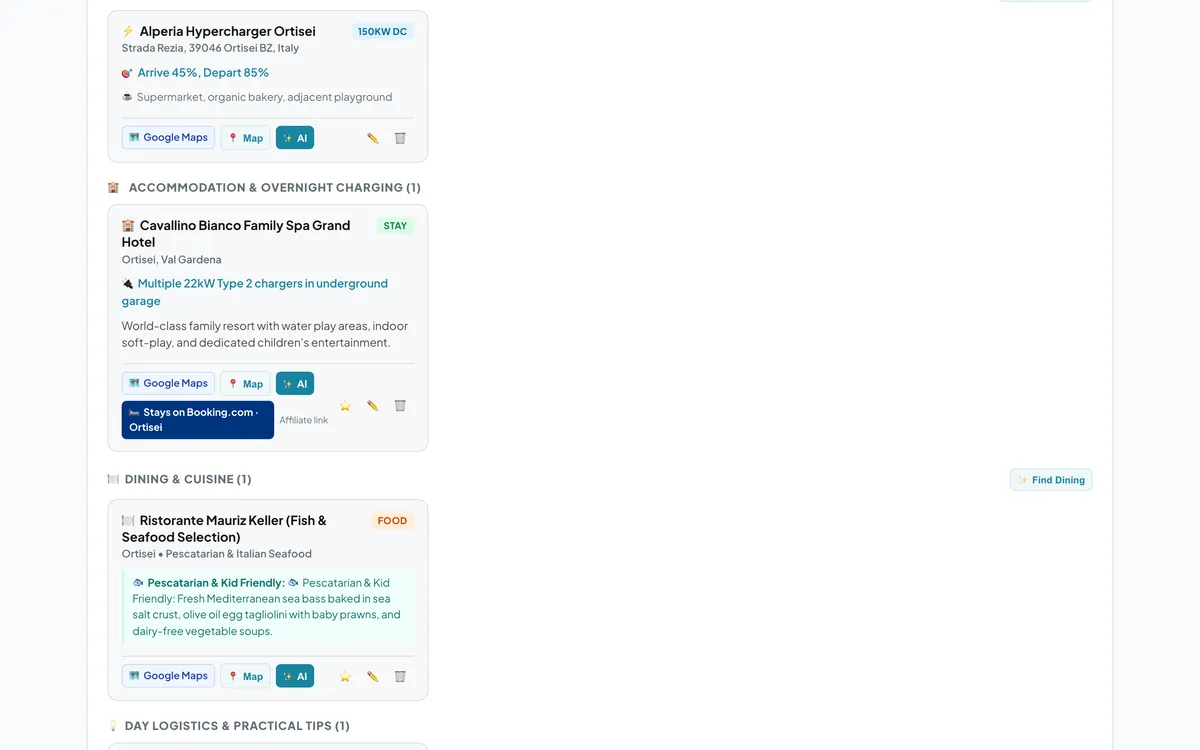
Planning a multi-city family road trip is exciting right up until you have to search for hotels across four different towns, manually entering your arrival dates and family members for every single stop.
Whether you are mapping an ambitious alpine crossing or an easy lake getaway, organising family accommodation along a moving route comes with logistical hurdles. You want short driving days, child-friendly pacing, and comfortable overnights, but cross-referencing your timeline with accommodation websites can quickly lead to browser tab overload.
The Multi-Stop Booking Problem
Consider a classic 6-day family route like Munich through the Italian Dolomites to Lake Garda. Your trip breaks down across multiple overnight bases: an evening near Brixen to explore the Hofburg Gardens, two nights in Ortisei to ride cable cars over Alpe di Siusi, and two relaxing nights in Riva del Garda on the northern shore of the lake.
On traditional booking sites, arranging this requires repetitive data entry. You type in Brixen, set the first night's date, input two adults and one five-year-old child, and browse. Then you open a new search, re-select Ortisei, adjust the check-in and check-out dates for two nights, re-enter the travellers, and repeat the process again for Riva del Garda. Make one tweak to your route's driving pace, and all those search dates shift, forcing you to start over.
Find Stays Along Your Route with One Click
Holiday Routes eliminates this repetitive busywork. Each hotel card in your day-by-day plan has a Stays on Booking.com button that opens our partner Booking.com.
Instead of typing your trip parameters again, clicking the button launches a targeted search that already knows:
- The specific town on your itinerary (such as Ortisei or Riva del Garda).
- Your planned arrival and departure dates for that segment.
- Your travellers, including children and their ages when your trip lists them.
- Multiple nights in the same location grouped together automatically into a single search.
Holiday Routes does not sell hotel rooms directly, nor do we claim to find the cheapest rates. Instead, the app hands your exact trip details over to Booking.com in a single step, letting you compare places to stay, filter for family amenities like swimming pools or family suites, and book on your own terms.
This is the search the button opens for the two nights in Ortisei from our example trip: stays in Ortisei on Booking.com, 13–15 June 2027, two adults and a five-year-old.
Affiliate link disclosure: When you find stays through our partner links, we may earn a commission at no extra cost to you.
Planning tip: When driving across mountain passes in Austria and Italy during peak summer, always check regional highway conditions and mountain pass updates before you set off. Vignettes and toll requirements vary across European borders, so make sure to check local toll regulations ahead of your departure date.
Keep Your Entire Journey in One Timeline
Beyond finding places to stay, Holiday Routes keeps your entire travel plan organized. From managing EV charging stops with expected arrival battery percentages to storing your confirmed reservations in the Bookings Vault, you get a clean, day-by-day plan that adapts whenever you want to change direction.
You can adjust driving legs, add rest stops for the kids at playgrounds or lakeside promenades, and generate a printable PDF booklet to keep in the glove compartment. Whether you are driving an electric car, a petrol family estate, or a campervan, you stay in control of the details without the administrative stress.
Frequently Asked Questions
Can I book campsites using this feature?
The automated stay search button is designed for hotels, apartments, and guesthouses via Booking.com. Campsite stops are tracked separately in your timeline so campervan travellers can manage pitch details and hook-ups independently.
Does Holiday Routes show live hotel rates or room availability?
No. Holiday Routes does not display live hotel pricing or real-time room availability in the app timeline. When you click to find stays, it opens Booking.com with your destination, dates, and party size pre-filled so you can view live pricing and reserve directly on their platform.
Can I change my itinerary dates after I start searching?
Yes. If you decide to spend an extra night in Ortisei or shorten your stay in Riva del Garda, change the days in your Holiday Routes plan. The button always searches with the dates currently in your plan, so there is nothing to retype.
Plan your next trip with Holiday Routes
Free to start. Build a complete day-by-day plan, then change anything.
Plan your trip free →Keep reading
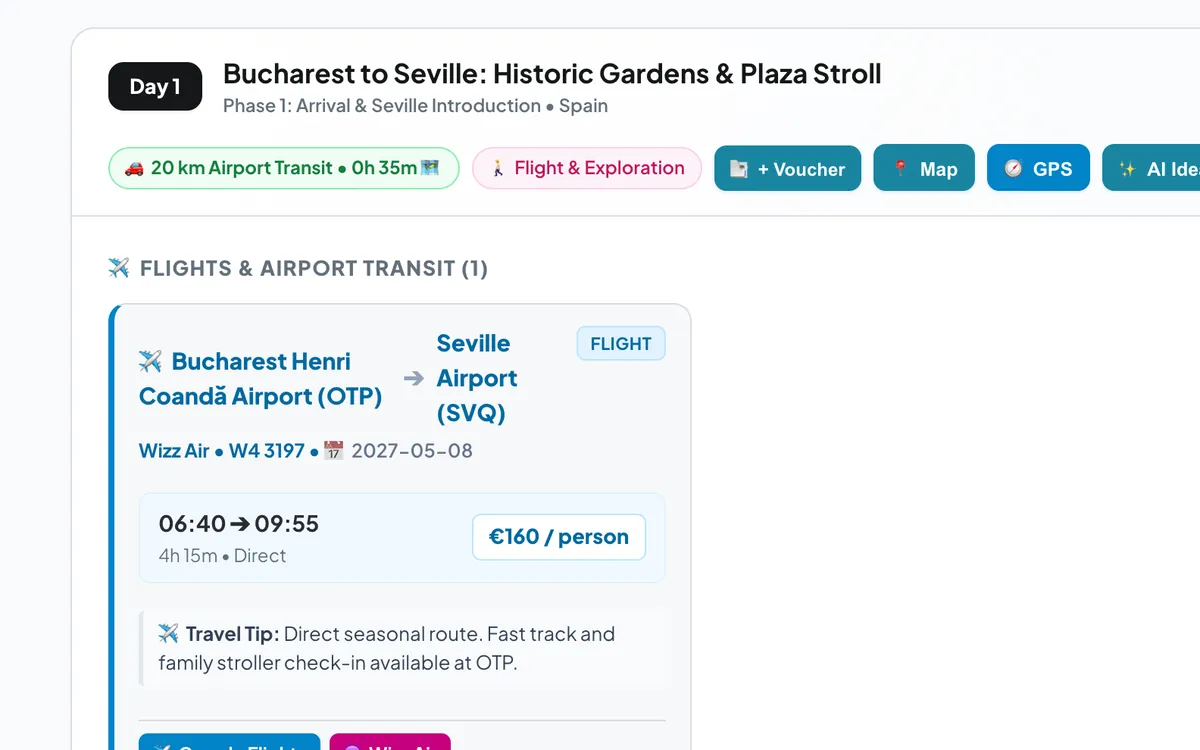
Renting a car for your fly & drive trip: when to book, what to check, and one tap from your plan
When to book the rental car for a fly & drive holiday, what to check before you pay, and how Holiday Routes links to rental cars at your arrival airport.
Read the article →
Renting a car in Andalusia: airports, old towns, tolls and tips for a smooth road trip
Practical tips for renting a car in Andalusia: which airport to pick up from, what to check at the desk, driving into old towns, tolls, heat and a first route.
Read the article →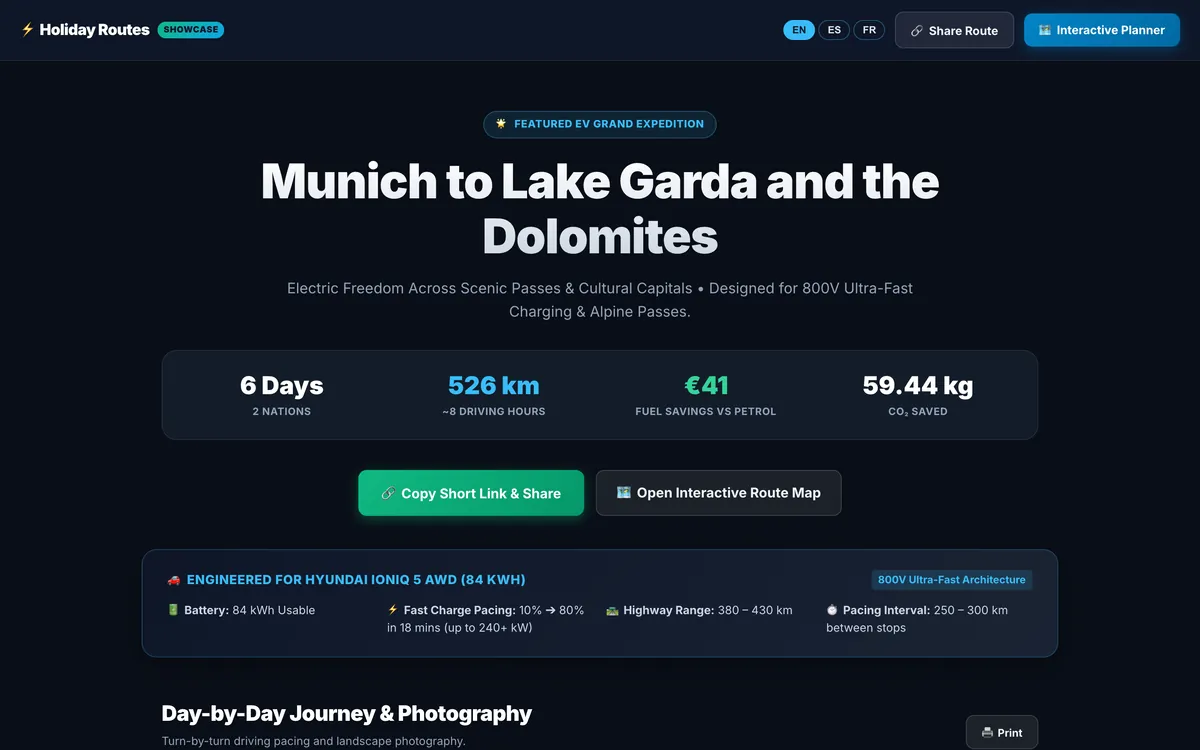
Share your trip as a travel story, with one short link
Turn your itinerary into a travel page with photos, food and stays for every day: one short link that opens on any phone, in English, Spanish or French.
Read the article →