 Holiday Routes
Share your trip as a travel story, with one short link
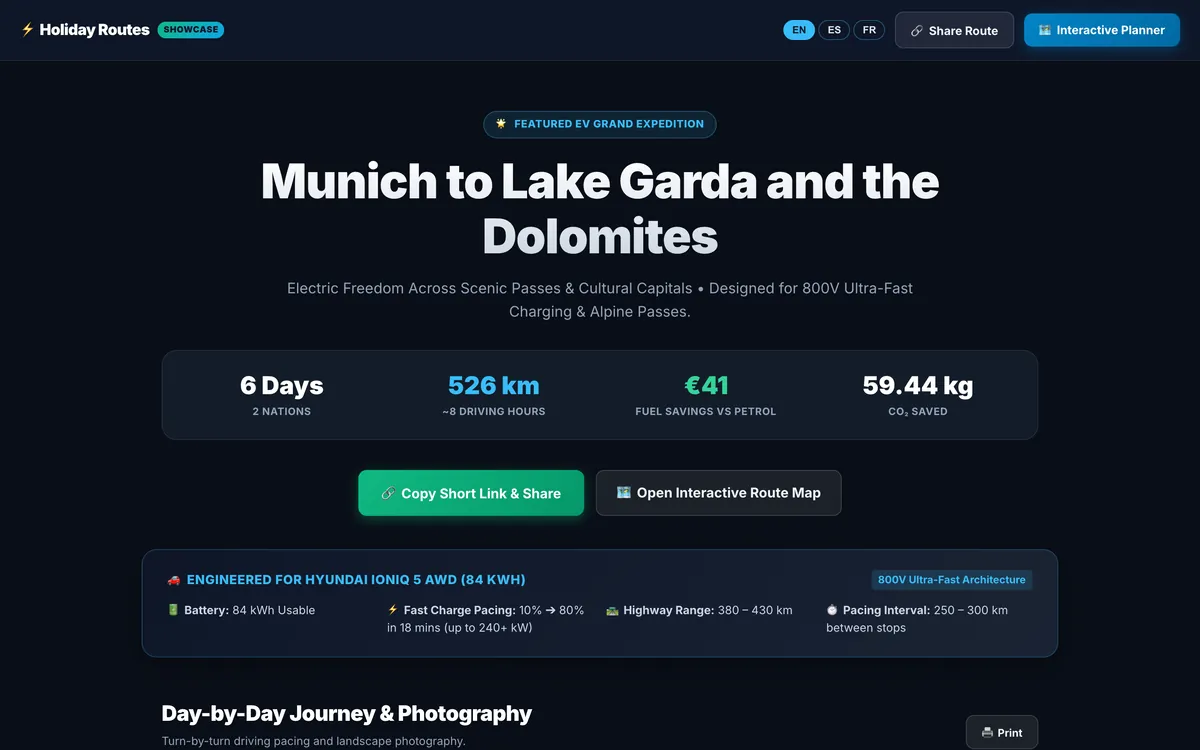
Grandparents want to know where you will be on Tuesday. Friends want to see the route. Your travel companions need the plan. A spreadsheet or a long message does the job badly — a travel page does it well.
From plan to travel page in one click
Press Share on any trip and Holiday Routes creates a travel page for it, with a short link. The page tells the story of the trip:
- the headline numbers — days, distance, and for electric cars the savings and CO₂ avoided;
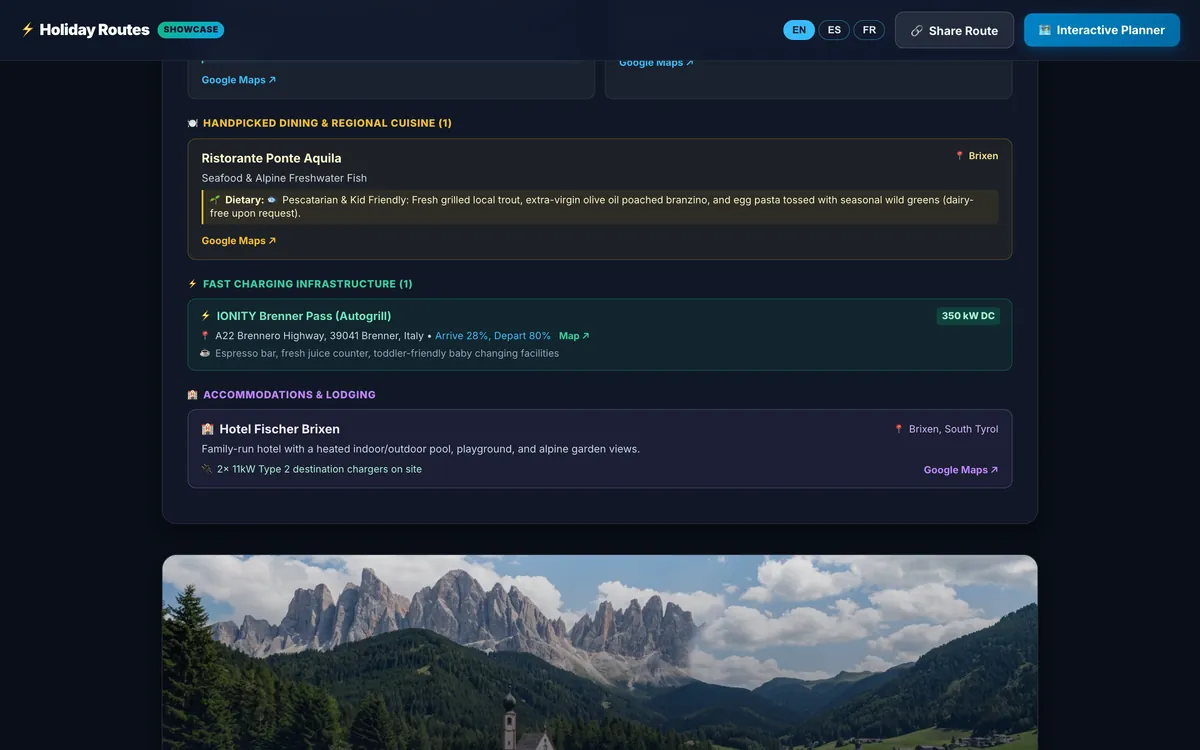
- every day with its photo, sights, restaurants, charging stops and where you stay;
- a link to the interactive route map.
Opens anywhere, in three languages
The link opens in any browser, on any phone or computer — no app to install and no account to create. Readers can switch the page between English, Spanish and French, so the same link works for friends abroad.
Send it any way you like
Copy the short link, or send it straight to WhatsApp, Telegram, X or email from the share window.
Change the trip, share again
Plans change. Edit the trip, press Share again, and the same link shows the updated page — no need to send a new one.
What stays private
The travel page shows the trip itself, not your account. Booking codes and ticket attachments from your bookings vault are not part of it.
Travel agencies: a page with your brand
When an agency shares a client trip, the travel page carries the agency's logo, a "Curated by" line with its name, a call button and a "Book with us" button — see white-label itineraries for travel agencies.
Frequently asked questions
Can people edit my trip from the link?
No. The travel page is read-only.
Can I stop sharing?
Contact us at hello@holidayroutes.eu and we will take a shared page offline.
Plan your next trip with Holiday Routes
Free to start. Build a complete day-by-day plan, then change anything.
Plan your trip free →Keep reading
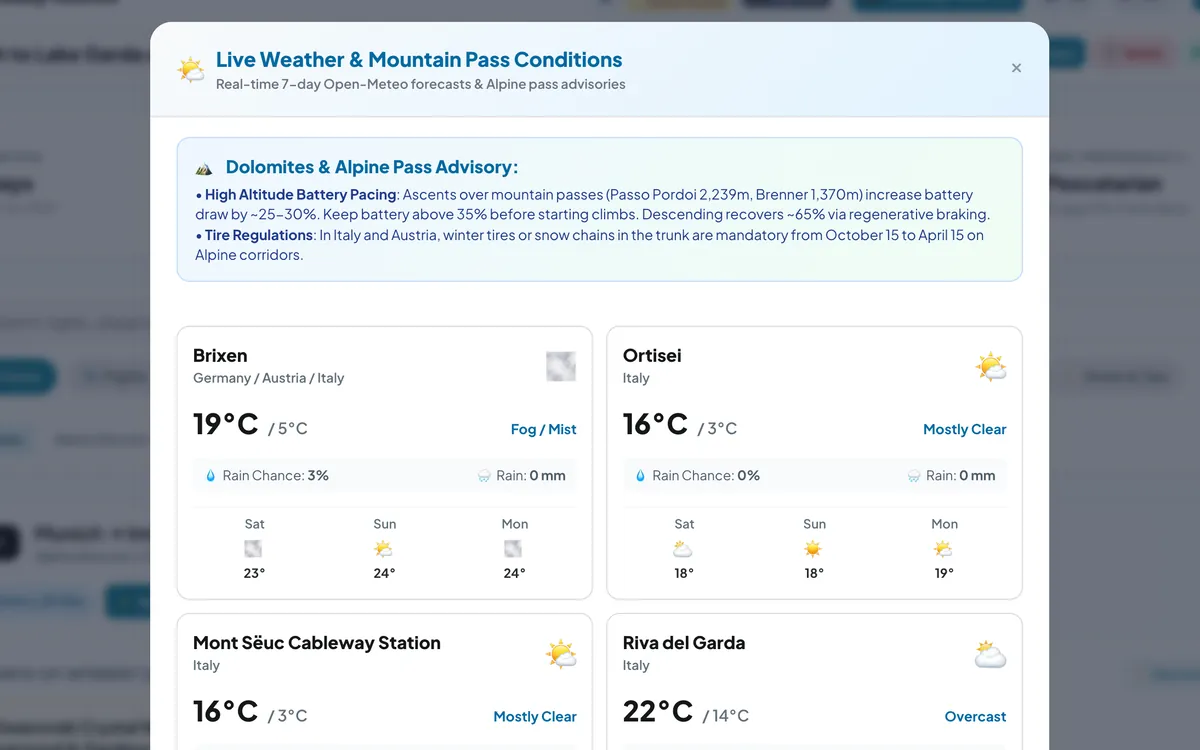
Check the sky before the pass: weather for every stop of your road trip
Live 7-day forecasts for every stop of your road trip, rain chances and temperatures, plus mountain-pass advice for the days that climb.
Read the article →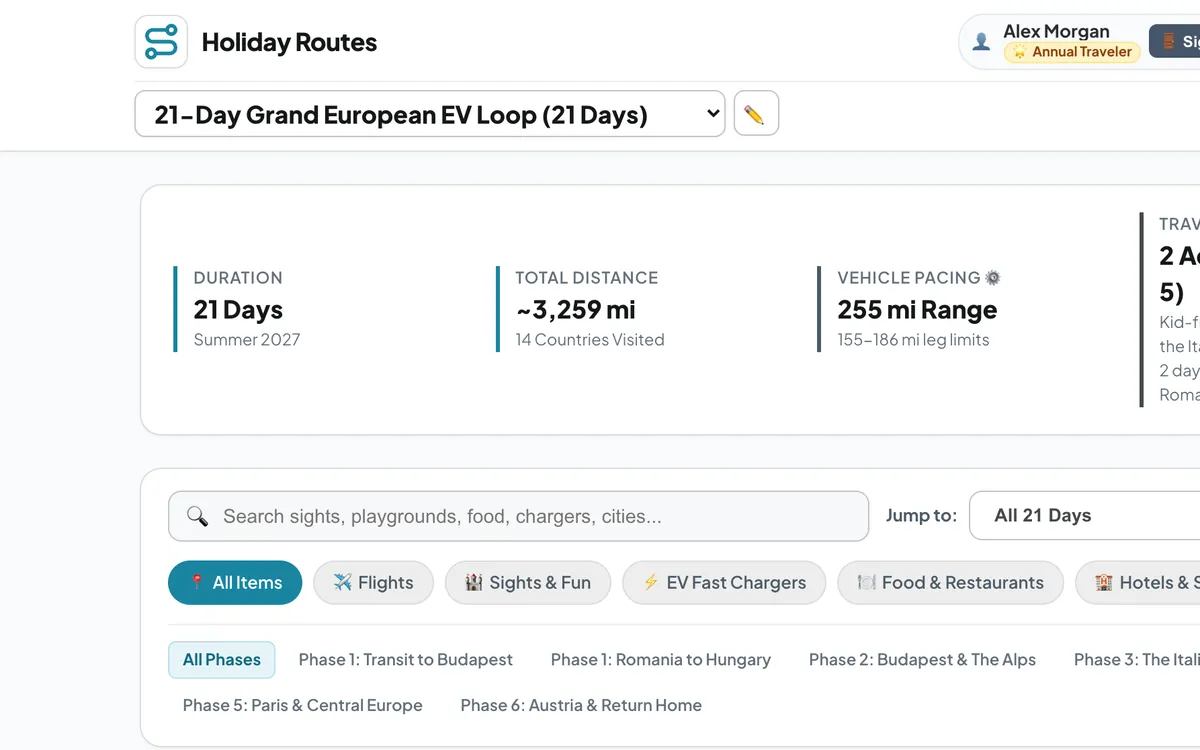
Kilometres or miles: a road trip planner for travellers everywhere
Plan road trips on any continent and switch every distance, climb and speed between metric and imperial units — km or miles, metres or feet, km/h or mph.
Read the article →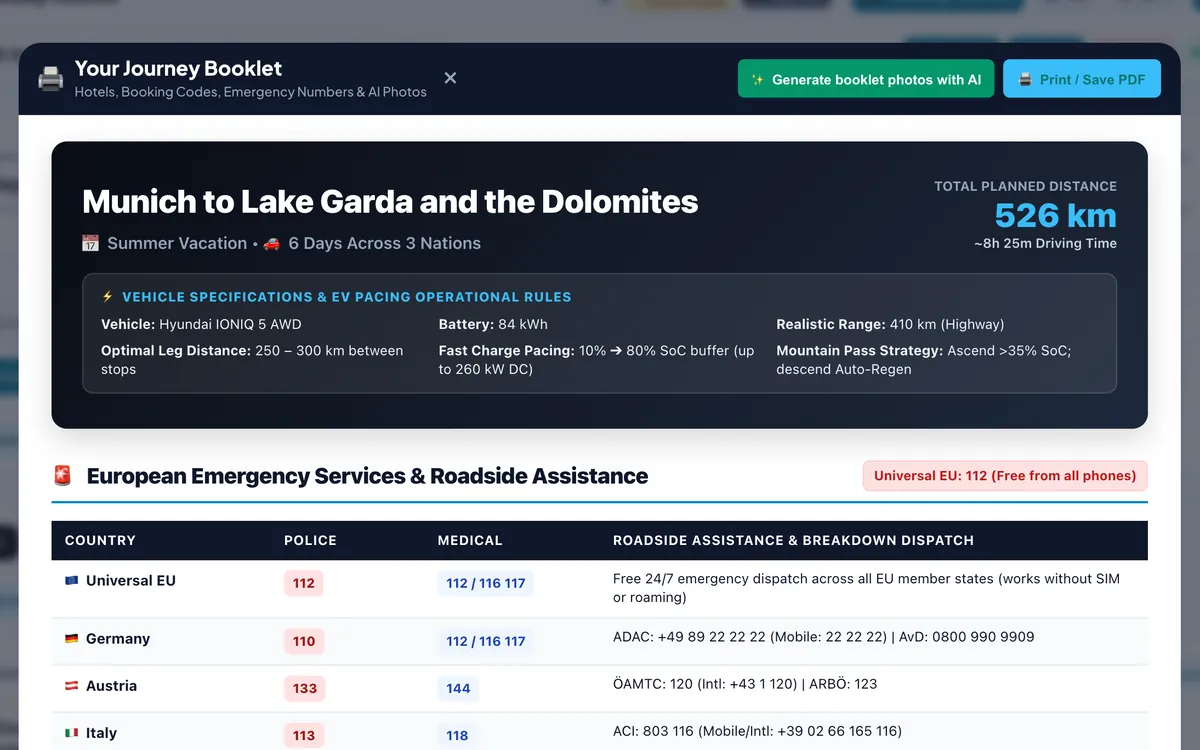
Your whole trip on paper: the printable road trip booklet
Why a paper copy of your trip still matters, and what goes into the Holiday Routes booklet: every day, hotels, emergency numbers and a safety-kit checklist.
Read the article →